
Database Setup
Let us now start with setting up the most important thing in our project, “DATABASE”.
Tables for Supabase
Section titled “Tables for Supabase”We will be creating a total of 5 tables for this project, each table having their own respective functionalities.
documents= This will help store the id and the timestamps of the youtube video.conversations= This will help store the conversation id and timestamp of the RAG chat.embedded_documents= This will be the most important table as it will contain the content, its embedding, metadata, along with the document id.conversation_messages= This will be the actual conversations between the user and the assistant.conversation_documents= This will store the document id and conversation id to keep a track of the conversations.
Setting up the DB
Section titled “Setting up the DB”Follow the steps given below to setup your Supabase Database:
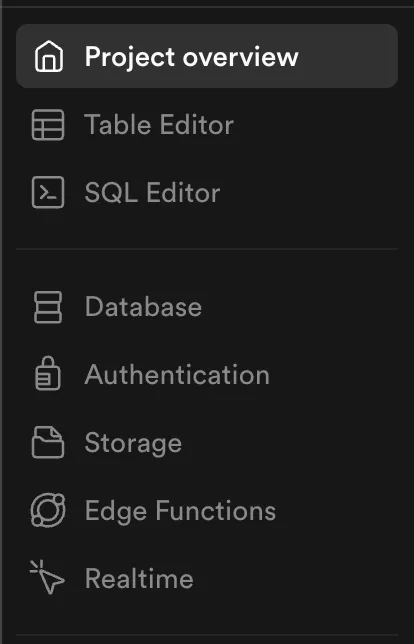
Head over to your Supabase Dashboard and then go to Table Editor
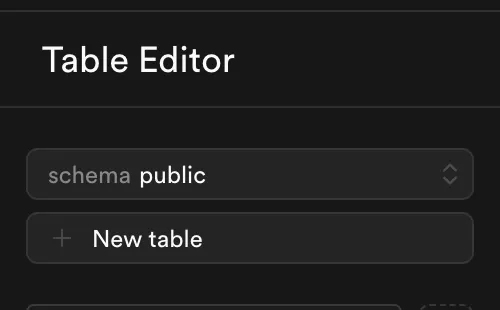
Now, click on New Table.
This is the point where you start configuring the columns and data type for the respective columns in your table.
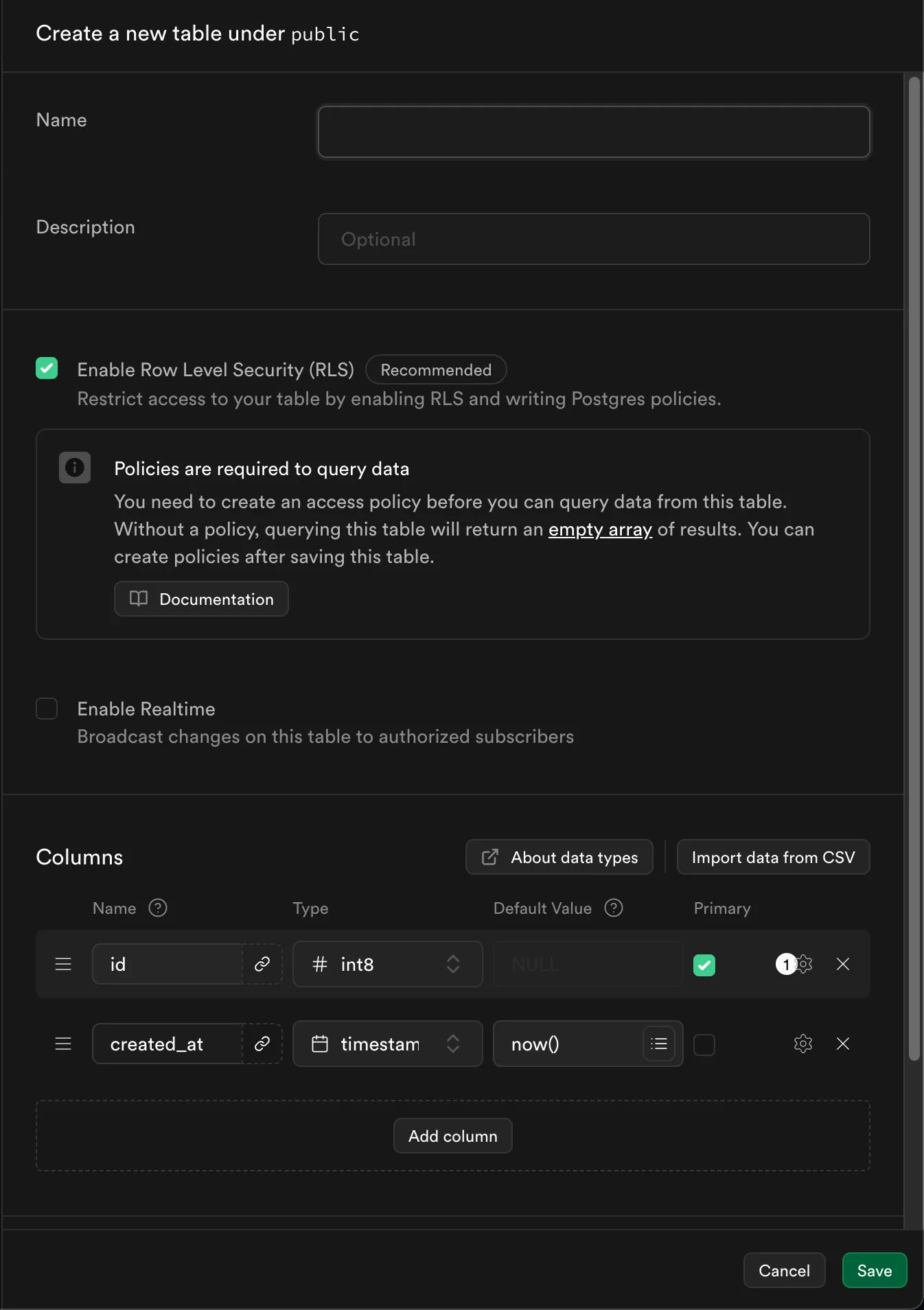
Start creating the following tables with their respective configurations:
Table Name Table Content Data Type Default Value documentsid uuid gen_random_uuid() created_at timestampz now() conversationsid uuid gen_random_uuid() created_at timestampz now() embedded_documentsid uuid gen_random_uuid() created_at timestampz now() content text NULL metadata jsonb NULL embedding vector NULL document_id uuid ((metadata ->> 'documentId'::text))::uuidconversation_messagesid #int8 created_at timestampz now() conversation_id uuid gen_random_uuid() content text NULL role text NULL conversation_documentsid uuid gen_random_uuid() created_at timestampz now() document_id uuid gen_random_uuid() conversation_id uuid gen_random_uuid() - Here there is a new
vectordatatype as we see inembedded_documentstable. Follow the steps given here to enable vector datatype in Supabase. - Also for the table
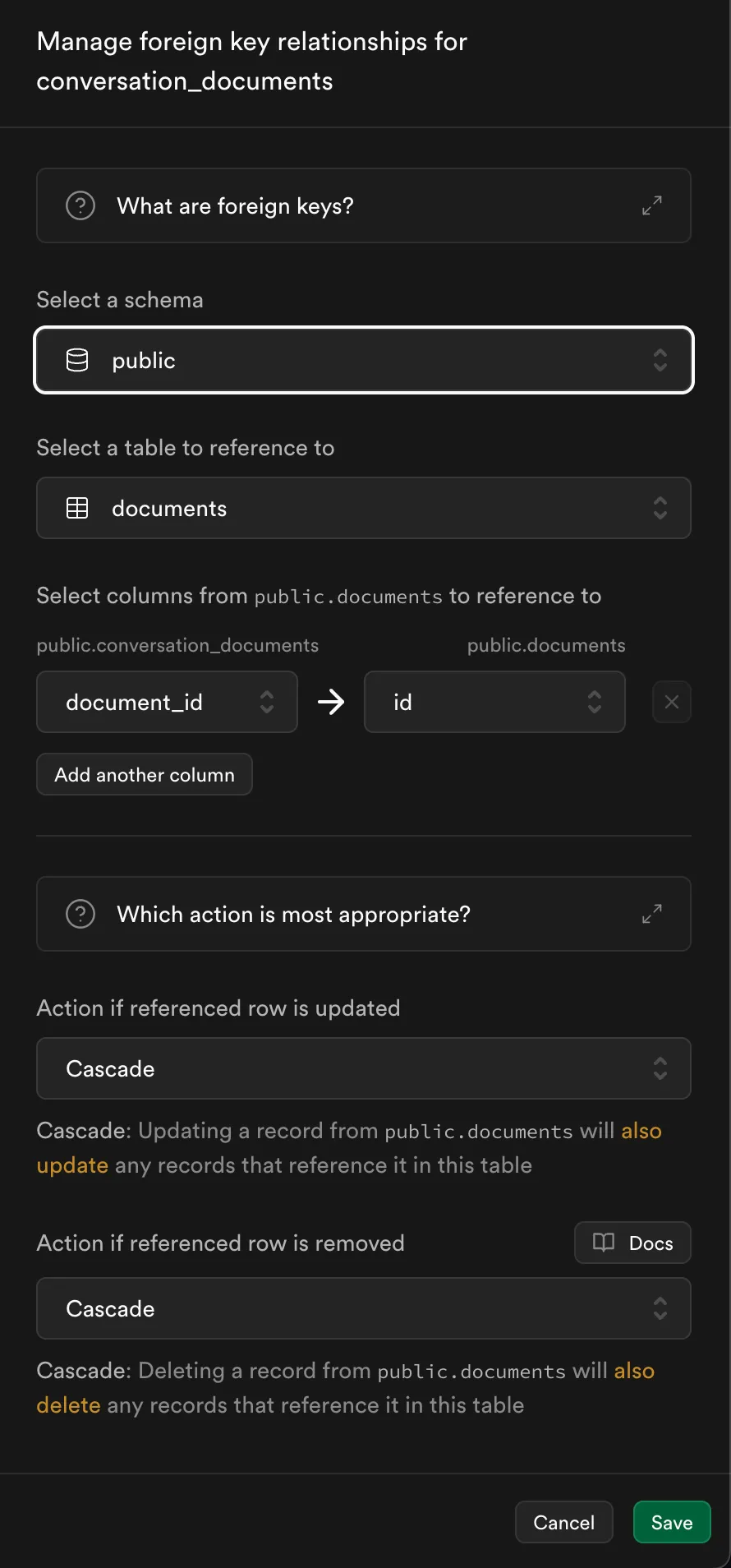
conversation_documentswe will have the following configuration for the foreign keys fromconversationstable anddocumentstable.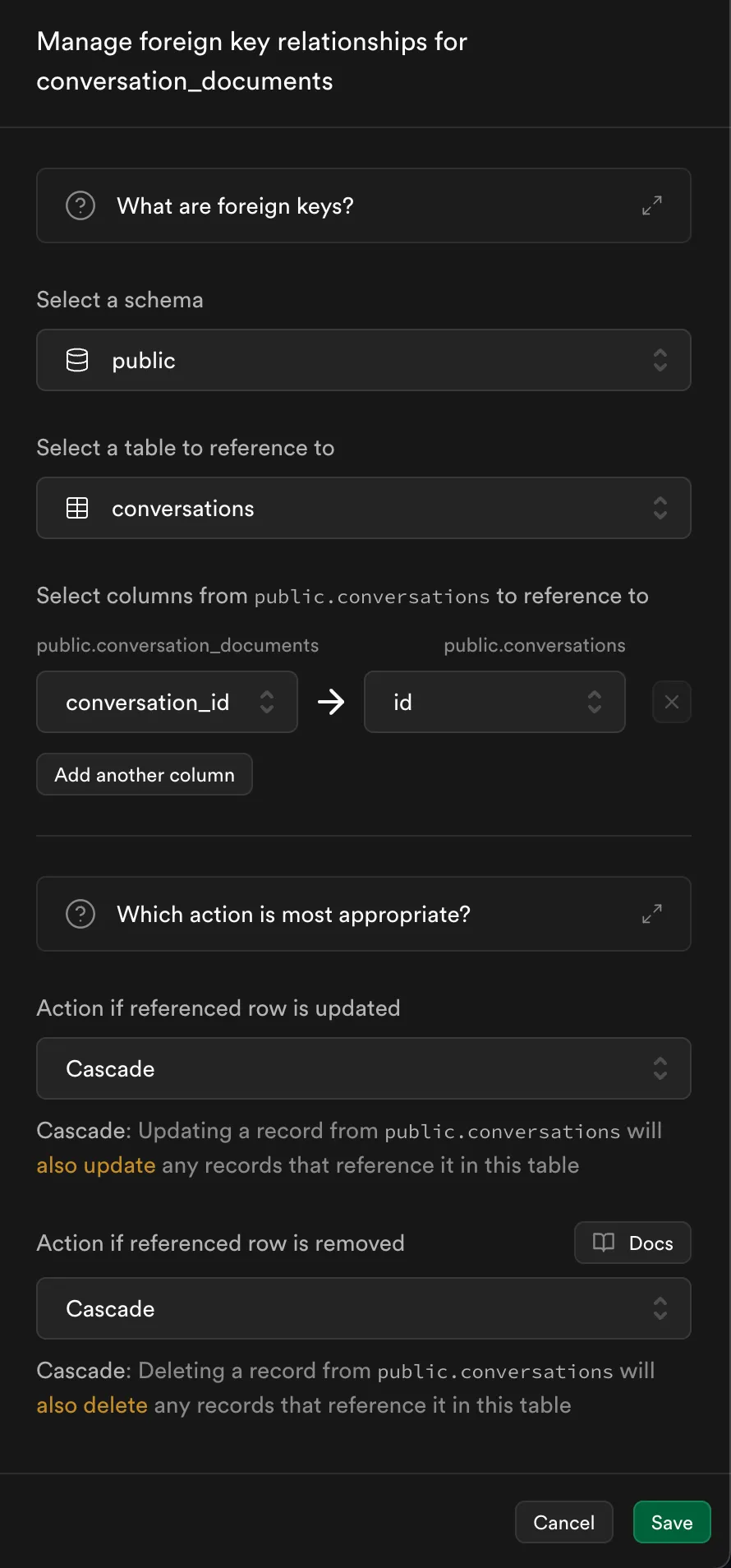
- Here there is a new
Now you are good to go.
⚙️ Next Steps
Section titled “⚙️ Next Steps”In the next section, we’ll:
- Start with creating the backend APIs to for storing and fetching the documents
- Complete Backend from getting the url, fetching transcripts, converting them to embedding, splitting them, storing into database.
If you want to know more about this, do checkout our video :